Last updated: 2026-04-06
This document outlines the migration process and provides you with some considerations of how you can improve your internal operations with BETA’s solutions.
You are ready to migrate to BETA! The BETA team will help you in your onboarding and migration process, but there are some things that you should be aware of, and think of when switching.
The Onboarding Process will take you through setup, migration, and training.

We know that opening a climbing gym or transitioning software is a busy time, and that is why the BETA team is here to make the process as smooth as possible.
The Onboarding Process usually takes 4 to 8 weeks, depending on the number of facilities you have and the complexity of the data migration from your previous provider. We consider your individual case and needs and aim to align your onboarding with your timeline and operations.
For new gyms, we also offer a split onboarding process - starting with a quick setup to launch pre-sales, followed by the remaining steps closer to your official opening date. See our dedicated guide:
Pre-sales Explainer
Everything you need to know if you're doing presales with BETA.
Order Form & Deposit
Fill out and sign your Order Form, providing your company details and confirming your BETA subscription.
For a monthly subscription, an initial deposit equal to one month’s fee is required, which will be applied to your first payment. The next billing cycle begins one month after your start date. For an annual subscription, the full yearly payment is required upfront, covering the entire year with no further monthly charges.
Welcome Meeting
The Welcome meeting allows us to meet and provide you with all of the necessary documentation and information that you, and our team needs.
Setup on BETA
The BETA team will develop a structure that best suits your migration needs. You will be asked to provide files and information to facilitate these efforts. We will gather information regarding gym details, forms, and passes, and set that all up on BETA for you.
Here your gym details, passes, events, forms, and more will be set up. The BETA team will guide you through this process.
Initial Bulk Import
You will export data from your previous software during your setup. This is typically at the beginning of your Onboarding. This allows the BETA team to look at your data structure in advance and guide your set up & migration appropriately. BETA will import the information and identify any additional needs.
In general this includes importing of the bulk of your gym’s data, such as profiles, their waiver status, and other information on sales/visit history.

Training
We will provide a training session for your Managers (BETA’s Business Tier & above only), where our team will be able to answer any operational questions.
Your Desk staff will have access to all of BETA’s help guides and a dedicated training video.
All training videos will be available to your team at all times, please see page below:
Your Training | The Onboarding Process
Comprehensive guide for the training opportunities offered by BETA during the onboarding process.
BETA’s Training Academy
Explore BETA’s Training Academy for comprehensive onboarding resources, including video guides and written explainers to master everyday tasks and advanced features efficiently.
Migration date and Final Export
We will agree on a final day migration & official start date with BETA.
After your gym closes on the night before your launch date, you will provide our migration team with the most up to date exports from your previous software, which will allow us to import your latest client information.
Your first day running BETA
You are all set up and ready to go! BETA will remain available for further support following the Onboarding Process.
For 12 weeks, you will benefit from Limitless forms no matter which tier you are on!
Your First Days of using BETA | The Onboarding Process
Navigate your first days using BETA, covering FAQs, data migration, app features, and internal operations to ensure a smooth onboarding experience.
Let BETA handle the heavy lifting for your migration.
If your previous software has an API, we can connect directly to transfer your data.
If an API isn’t available, we offer a structured .csv import option. Simply provide your passes, products, stock, and more in our provided format, and we’ll import them into BETA for you.
Our bots can automatically migrate the following information from your previous provider:
Climbers’ names, addresses, emails, dates of birth, phone numbers, emergency contacts
Records of documents signed
Proficiencies
Notes on climber profiles
Payment account information
Passes and subscriptions
Event template names and instances
Gift cards
credit & debit balances
Products and prices
Stock configurations and inventory
Our bots can automatically migrate the following historical data (note, depending on which software you are migrating from the migration process may vary):
visit history
sales history
prices history
We are able to run most imports from the Rock Gym Pro API, meaning that you don’t have to export data for us to import. There are a few manual exports we’ll ask for on the final evening of service on your old provider.

Ideally, your migration data will be structured like this sample.csv, however we can work with what you give us. Just let our onboarding team know as soon as possible.
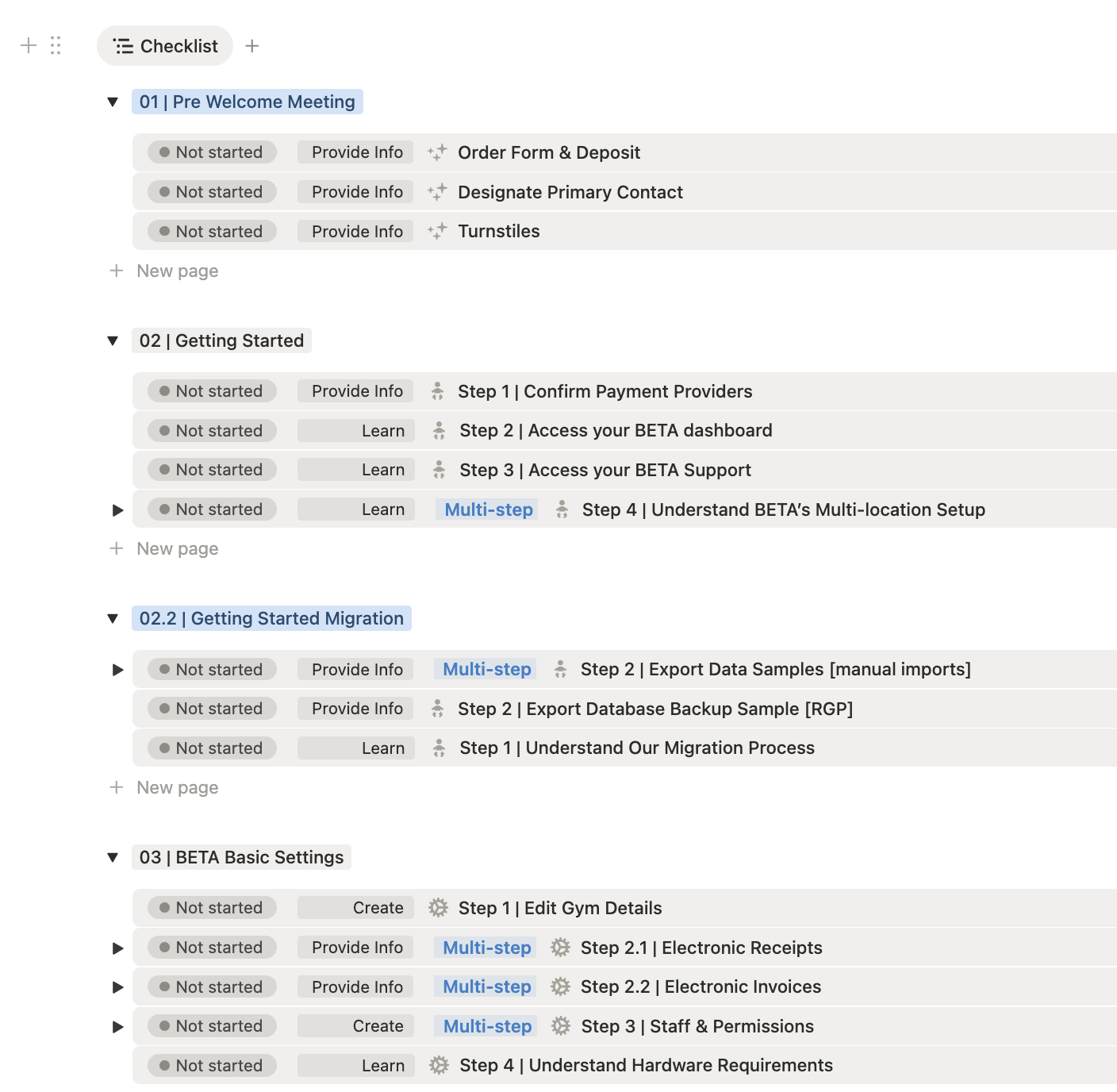
Your own dedicated Onboarding Checklist (in Notion)
to guide you through the SET UP and MIGRATION process
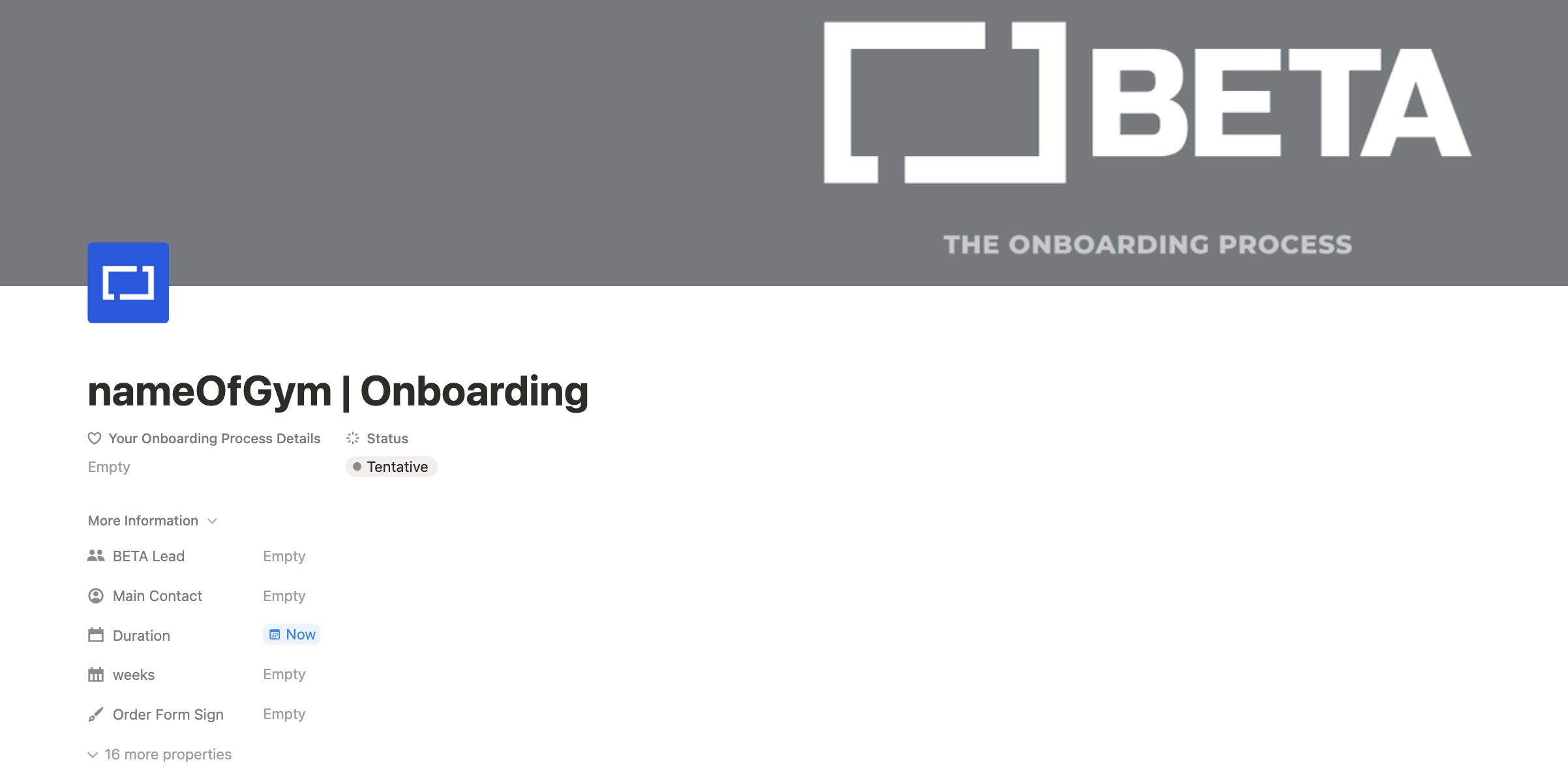
The Checklist »
Your BETA Dashboard (or multiple ones, if you’re operating as a multi-location)
Full access to BETA’s Help Centre and all our help articles (via your BETA Dashboard)
Access to our BETA support chat (via your BETA Dashboard)
to further support you with your set up
A dedicated [shared] Google Drive Folder
used for uploading your database, forms/waivers, logos and other
You can take this as an opportunity to review and improve your operations.
BETA integrates with various payment providers, and migration to a payment provider may look different depending on which one you select and your jurisdiction.
Ask the BETA team for more details and discuss your individual case.
See the dedicated help article below.
BETA's Integrated Payment Providers
Here you can find a list of all payment providers currently integrating with BETA.
BETA is a web-based software so it can run on any device, however there might be some hardware requirements and recommendations for running BETA smoothly.
To ensure full compatibility, BETA has specific hardware for receipt printers and cash drawers as well as recommendations for barcode scanners and webcams. You'll also find guidance on setting up internet connections for stability.
Full setup details and instructions below,
🔗 BETA's Hardware Requirements
Essential guide for BETA's hardware requirements and recommendations to ensure optimal performance and compatibility for your gym's setup.
BETA offers you the choice between:
prorated billing - to run every 01 of the month, for example or
automated (rolling) billing - where every customer is charged on the same day each month
Automated billing lets you move away from pro-rating prices, reducing administrative tasks and ensuring smoother cash flow management.
No Manual Adjustments
Automated billing removes the need for payments partial periods, and explaining to your members why their rate changes every month.
Balanced Cash Flow
Payments are spread out over the month instead of arriving all at once.
Flexible Billing Cycles
Choose any interval—7, 14, 30 days, or even 3, 6, or 12 months.
Simple Refunds
Instead of recalculating a current bill, apply a credit to the next subscription period.
Example:
With a 30-day cycle, every customer is charged on the same day each month, ensuring predictable revenue and reduced manual work.
BETA offers tiered pricing enabling climbing gyms of all shapes and sizes to use BETA.
See our website for more details.
To ensure a seamless and hassle-free payment process, we have set up a direct debit payment method. Direct debit helps ensure timely and automatic payments, reducing the possibility of late payment fees and any disruptions in service due to missed payments.
You can login here, to control your subscription
Migration fees vary based on your subscription tier — see our website more details.
The cost of data migration varies based on your subscription tier. Please refer to our website or contact our sales team for specific information about migration costs.
BETA supports the migration of various data types including customer profiles, membership details, subscriptions and product information. For specific details about the types of data that can be migrated, please refer to the information above.
The duration of the data migration process depends on the volume and complexity of your data. Our team will provide you with an estimated timeline based on your specific case during the Welcome Meeting.
If you notice any discrepancies in the migrated data, please contact our support team immediately. We will work swiftly to address any issues and ensure the accuracy of your data.
Yes! If you need any additional assistance or have specific requirements during the data migration process, please communicate them to our support team. We are here to help and ensure a smooth transition to BETA.

Still Lost? We’ve got you covered!
Use the search box on the main Help to search the entire list of available help guides, or drop your question in the Support Chat!
