A subscription is a recurring price that a visitors pays on a consistent basis to gain gym entry. Subscriptions reissue the entry types attached to the pass price every billing cycle after a payment is successfully processed.
In BETA, once a recurring subscription (membership pass) gets created, the same recurring product will be created in your payment provider platform if using one of BETA’s integrated payment providers:
BETA's Integrated Payment Providers
Here you can find a list of all payment providers currently integrating with BETA.

These two terms describe how a climbing wall handles memberships start date and billing cycle. Read the dedicated guide below.
Rolling VS Pro-rated Subscription
Understand the difference between rolling subscriptions, and pro-rated subscriptions.
⤷ Creating a Rolling or Pro-rated Subscription
In the passes and POS page in BETA, a recurring icon will be shown on all pass prices set up with a RECURRING subscription.
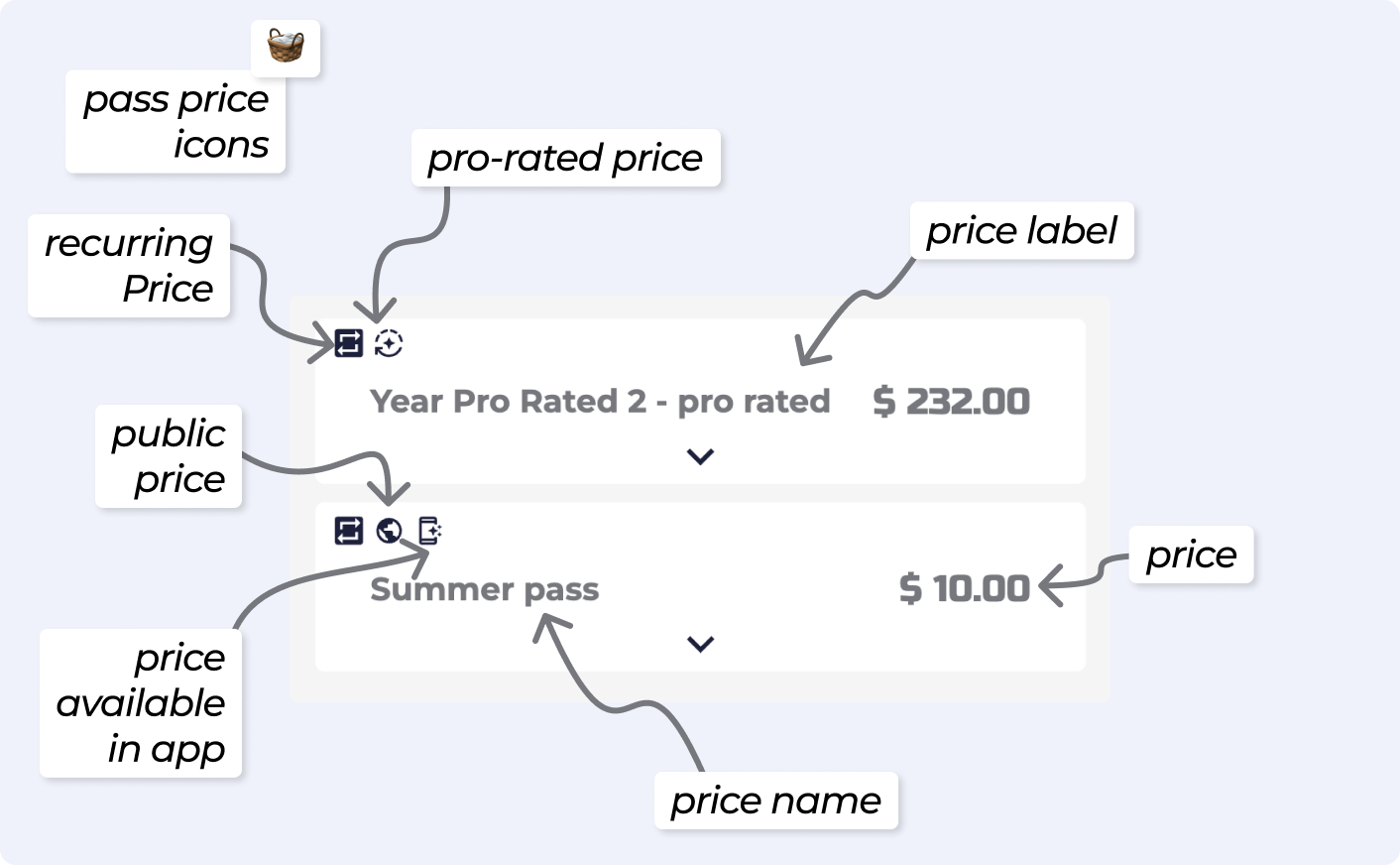
Another option would be to confirm in the dashboard of your payment provider, to make sure everything has been created correctly.
It could be that you have set up a Recurring Pass Price linked to an INFINITE duration Entry Type. Please double check your setup in the Passes » Configurations page.
If this is the case, BETA suggests creating a new Entry Type and Pass Price to maintain clean records. You should then archive the Pass Price and Entry Type created by mistake.

Still Lost? We’ve got you covered!
Use the search box on the main Help to search the entire list of available help guides, or drop your question in the Support Chat!
