Gyms on BETA’s Community tier and above can link an entry type to an event template, allowing eligible passholders to enroll for free via the Visitor Home Portal or the BETA app for any event using that template. This setting is configured within the entry type.
Once a recurring subscription membership has been sold, you can configure the auto-enrol feature to match the visitor’s needs, if you are on BETA’s Enterprise Tier & above.

In BETA you can link an event to a subscription and control access for your members, offering more convenience and benefits. Once a recurring subscription membership has been sold, you can configure the auto-enrol feature to match the visitor’s needs.
Depending on how the entry type was set up, you can set auto-enrolment to either:
All Events: This will auto-enrol the visitor in all scheduled events until the end of their billing period.
» Enterprise tier
Single Day of the Week: This will auto-enrol the visitor in all scheduled events occurring on a specific day of the week until the end of their billing period.
» Enterprise tier
Single Time of Day: This will auto-enrol the visitor in all scheduled events occurring on a specific event on a day. This is for when you run multiple event instances in the same day, and wish visitors to be enrolled in one of them.
» Enterprise tier
Your visitors can control their Passes, Subscriptions, Event Bookings and Enrolment, Wallet and Forms via their BETA profile from the Visitors Home.
Visitors will be required to login with the same credentials (Name, DOB, email) that appear on the BETA dashboard. This ensures security, and allows them to control their family/linked profiles too.
Visitors can also do this via the BETA app.
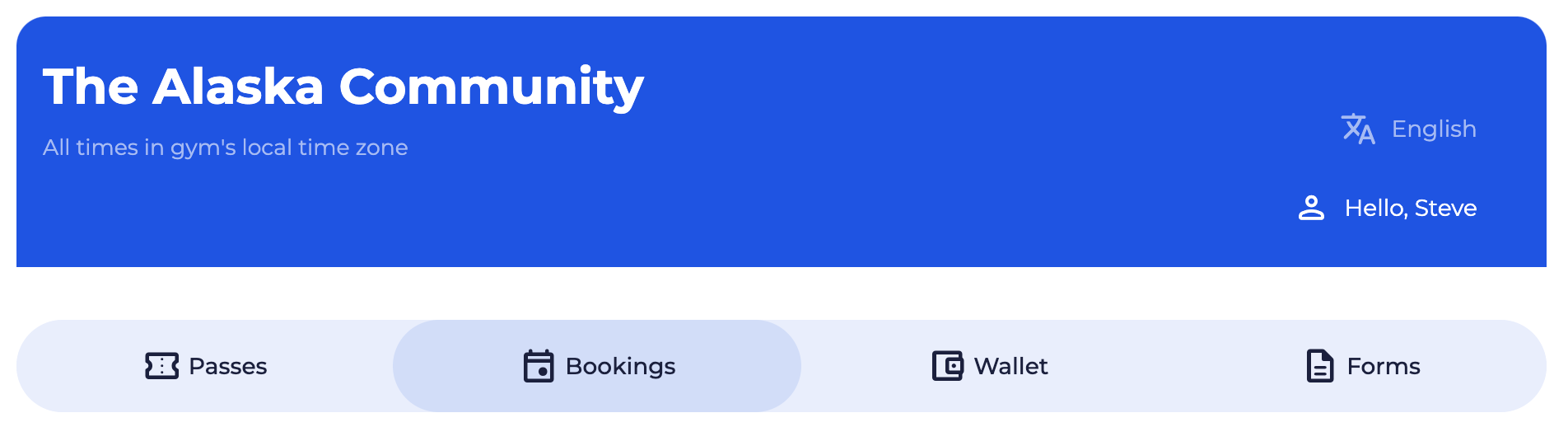
Passes: Track Pass Usage and Expiry: See pass details, including usage history, remaining uses, expiration dates, and the option to purchase more.
Subscriptions: View and Manage Subscriptions: Access subscription timeline, see creation date and upcoming billing, and pause or cancel the subscription as needed. (settings may be controlled by you, Gym Subscription Settings)
Event Bookings: Enrol and Track Events: View enrolled events, check enrolment from purchases or entry-based availability, and sign up for eligible events, based on their Entry Type.
Wallet:
- Manage Payment Methods: Add or change payment methods, set a default option, and ensure payment details are up-to-date.
- Gift Cards: View Gift Cards, and the remaining value - copy the gift card ID for ease of use in the BETA widgets.
- Purchases: View all purchases made, with details on items, dates, and status (e.g., succeeded, refunded).
Forms:
- Sign Forms: Sign another form at your facility, their form will be pre-filled with their details, allowing for quicker signing.
- Manage Forms: Download completed forms and check status, including notifications if a form is expired or nearing expiration.

Still Lost? We’ve got you covered!
Use the search box on the main Help to search the entire list of available help guides, or drop your question in the Support Chat!
