After completing a transaction, you have multiple options for handling receipts. You can access the transaction pop-up page which is available from a visitor profile, the search page, or directly in the POS at the end of a transaction to print or send receipts.

🔗 Payments Explainer
https://www.notion.so/Payments-Explainer-0927b248b4db4f6c9dcae88b0a7c93d1
The available receipt types include:
Thermal Receipt: BETA integrates with Epson thermal printers for on-demand printing of thermal receipts.
PDF Receipt via Email: Clients receive a clear summary of their purchase as a PDF, which can be sent immediately after the transaction or later from the sales page.
Printed PDF Receipt: You have the option to print the PDF directly from the transaction pop-up page.
There are many ways to access the transaction pop-up, including:
Visitors Profile: From a visitor’s profile.
Sales Page: Directly from the sales page.
At the end of a transaction in the POS, you have the option to print or send a thermal receipt. You can choose to send just one type of receipt or multiple types simultaneously, ensuring flexibility in how receipts are delivered to clients.
Please ensure that you double-check your local jurisdiction regarding any restrictions on printing multiple receipts.
You can print the Thermal Receipt directly from the transaction pop-up.
Please ensure that you double-check your local jurisdiction regarding any restrictions on printing multiple receipts.
You can email a PDF of the receipt directly from the transaction pop-up.
Please ensure that you double-check your local jurisdiction regarding any restrictions on printing multiple receipts.
You can print the PDF directly from the transaction pop-up, and download it as a pdf.
Please ensure that you double-check your local jurisdiction regarding any restrictions on printing multiple receipts.
Transaction receipts
Receipts are unavailable for transactions in an open, refunded, or cancelled state. This limitation ensures accuracy, as receipts are typically accessible only for completed and successful transactions. In the event of a transaction in an open state consider retrying the payment method or adding a new one. For refunded transactions, viewing is restricted to BETA, as the payment has been refunded to the customer. In the case of cancelled transactions, the payment method was intentionally cancelled.
Yes, you can send a PDF receipt immediately after the transaction or later from the sales page. Follow along Send and save receipts
Yes, receipts can be printed on demand. Verify your local jurisdiction for any restrictions on printing multiple receipts
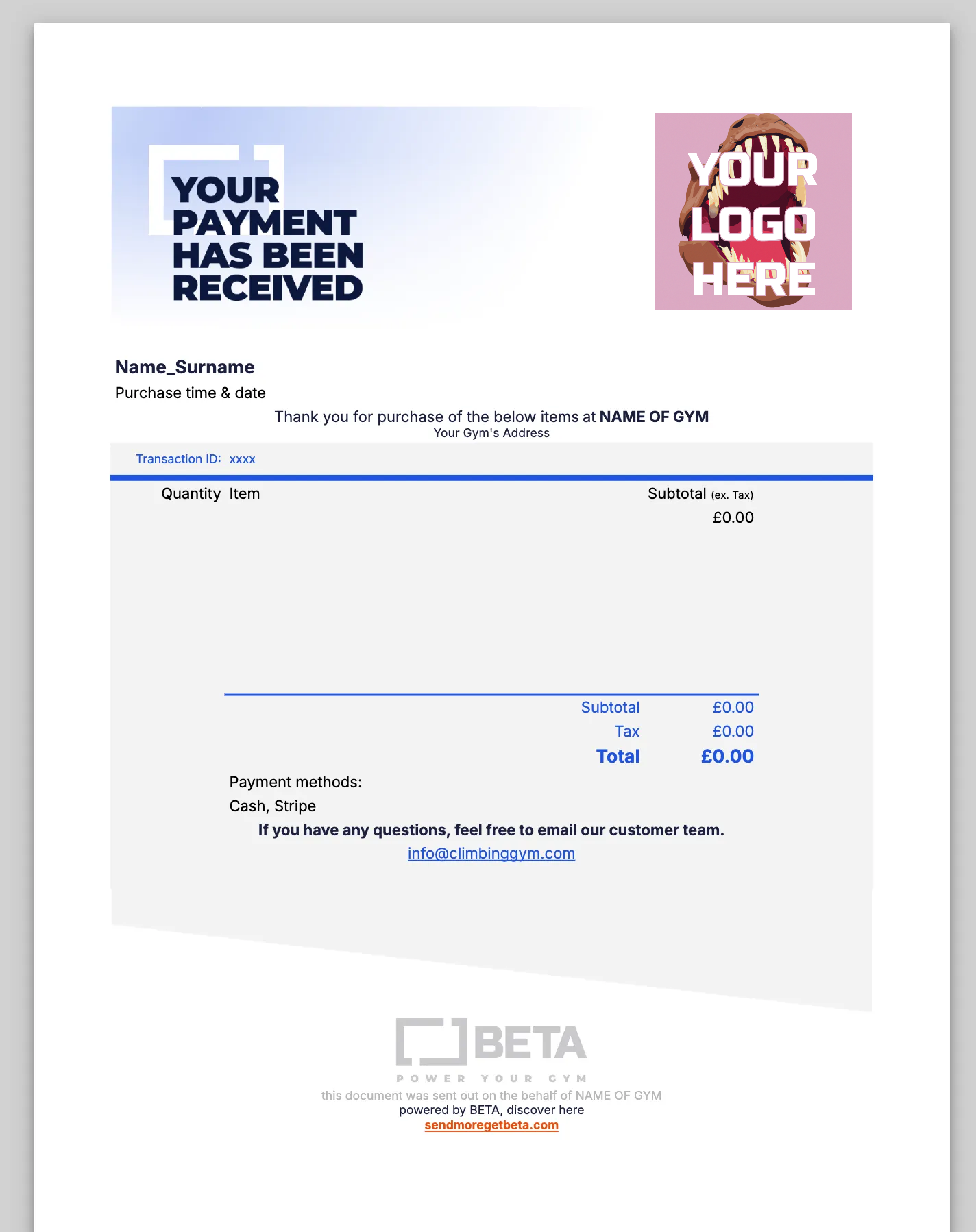
This is a sample of BETA’s Default transaction receipt:
Yes, depending on which Tier you are on, you have access to PDF customisation.
