It depends on when you’d like the video to appear in the process:
Form: The video will appear within a specific form. This is useful if you want the video tied to one form but not another. Note that videos in forms are skippable, the person must press play to watch.
Widget: The video will play before the person selects which form to complete. You can also choose to make the video non-skippable, ensuring it’s watched before moving on.
This is useful for entering a particular video in a specific form, please copy the embed code from Youtube into a text field in your forms.

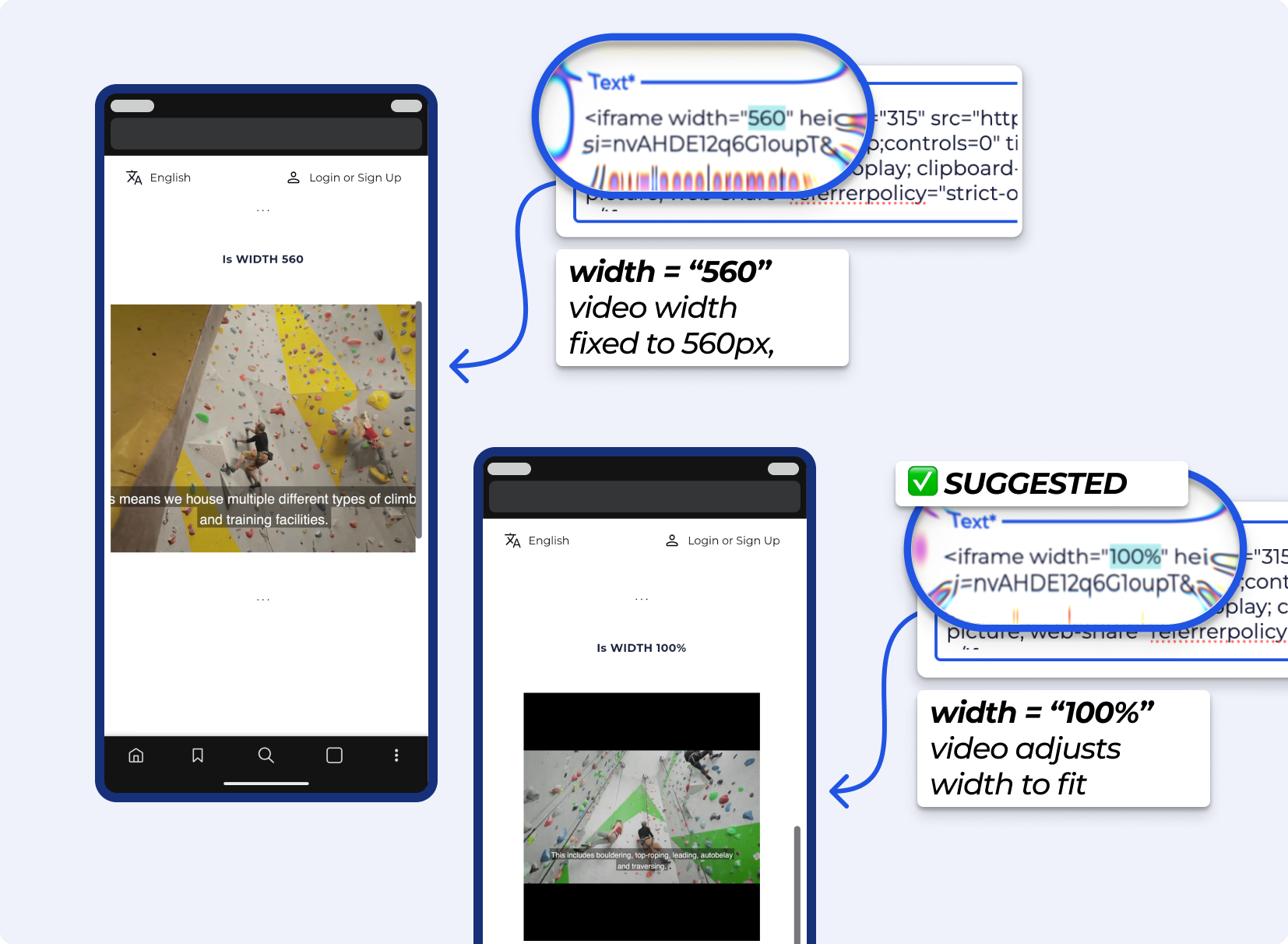
› How do I get embed code from YouTube? See Youtube’s guides
This is done through the widget creation process - and is useful for displaying a video at the start of a form. On the Form widget creator, you can add a YouTube video that will play at the beginning of the form signing process.


Still Lost? We’ve got you covered!
Use the search box on the main Help to search the entire list of available help guides, or drop your question in the Support Chat!
