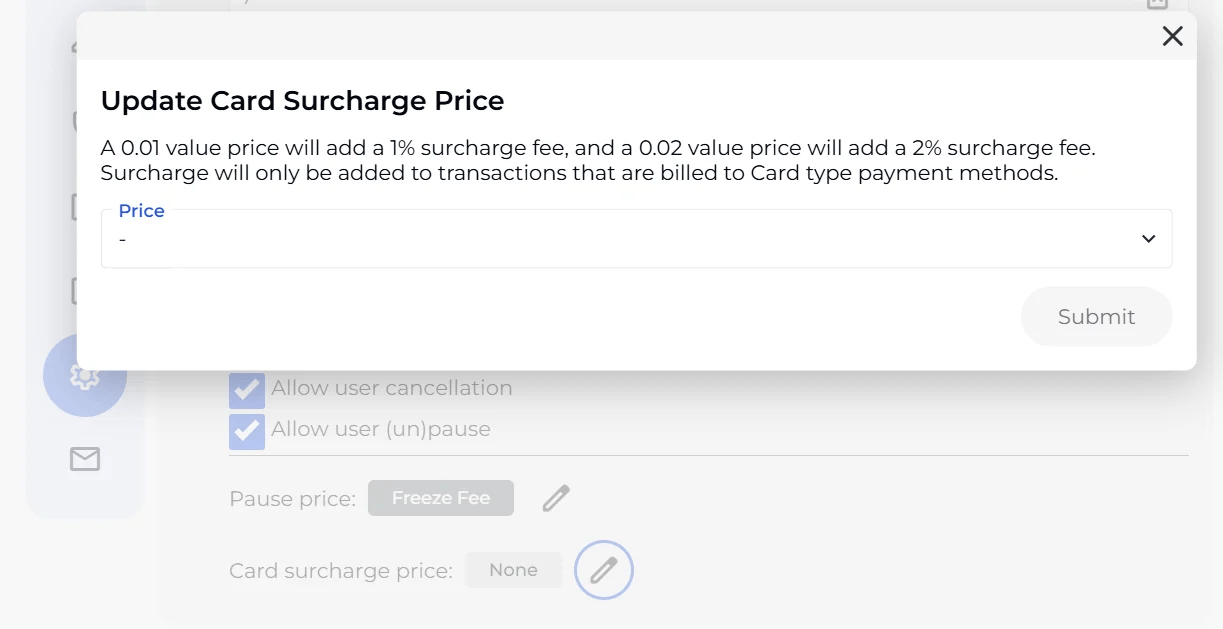
BETA allows you to configure a credit card surcharge fee that is applied as a percentage of the transaction value. Once set up, the fee applies automatically to card-based subscription payments and can be optionally applied during POS transactions.
Note This feature is available on BETA's Enterprise tier and above.

Step 1: Create the surcharge product
Go to the Products page and create a new product for the surcharge fee.
The fee is set as a price value and applied as a percentage:
A price amount of 2c = 2% surcharge
A fprice amounte of 3c = 3% surcharge
The price must be:
A non-special price value
10c or less
Step 2: Link it to subscription settings
Navigate to Settings » Subscriptions and assign the surcharge product to the surcharge fee field.

Context | Behaviour |
Subscriptions | Surcharge is applied automatically on card payments |
POS | Staff are given the option to manually apply the surcharge at the time of sale |
