This feature is available to gyms on the Business Tier and above.
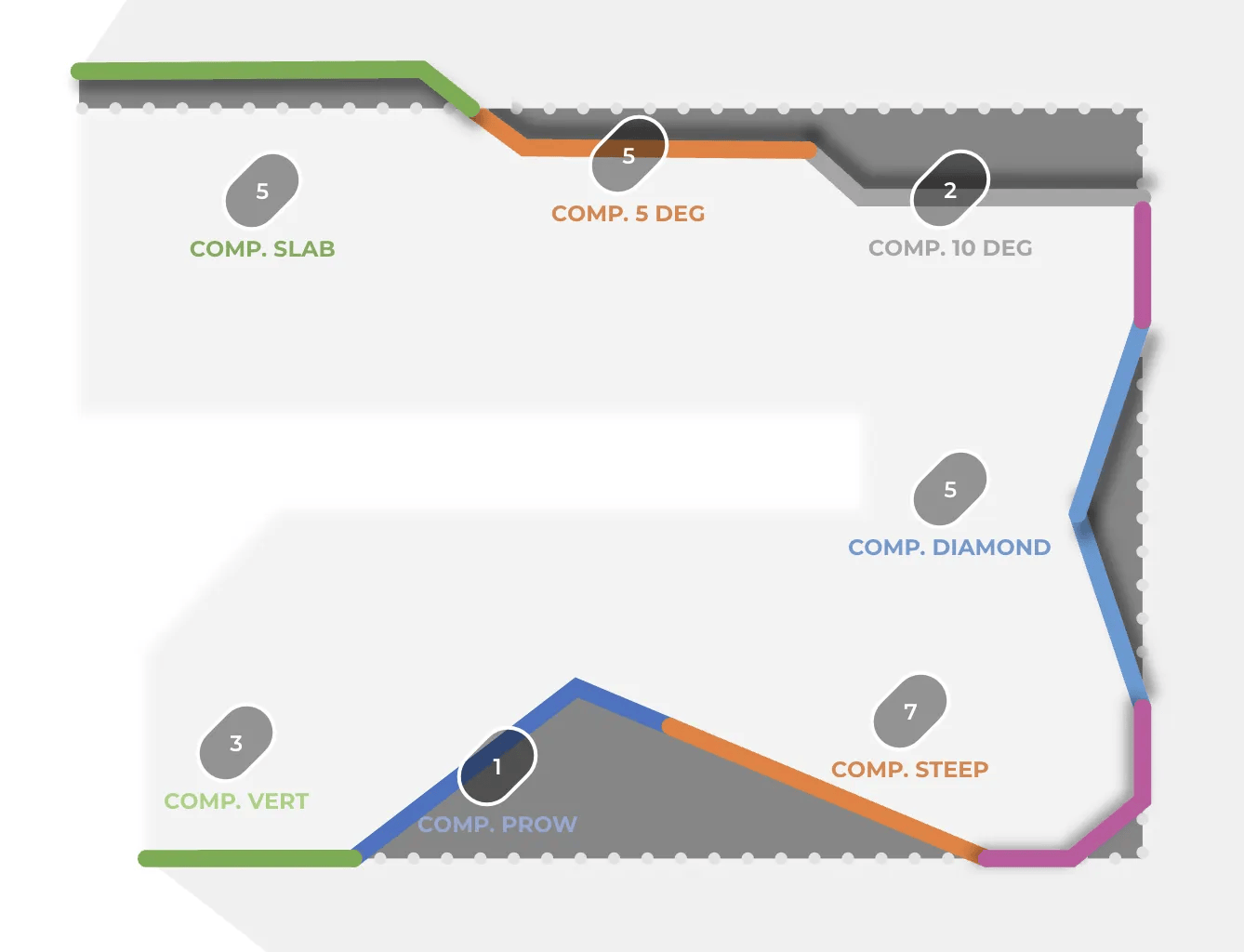
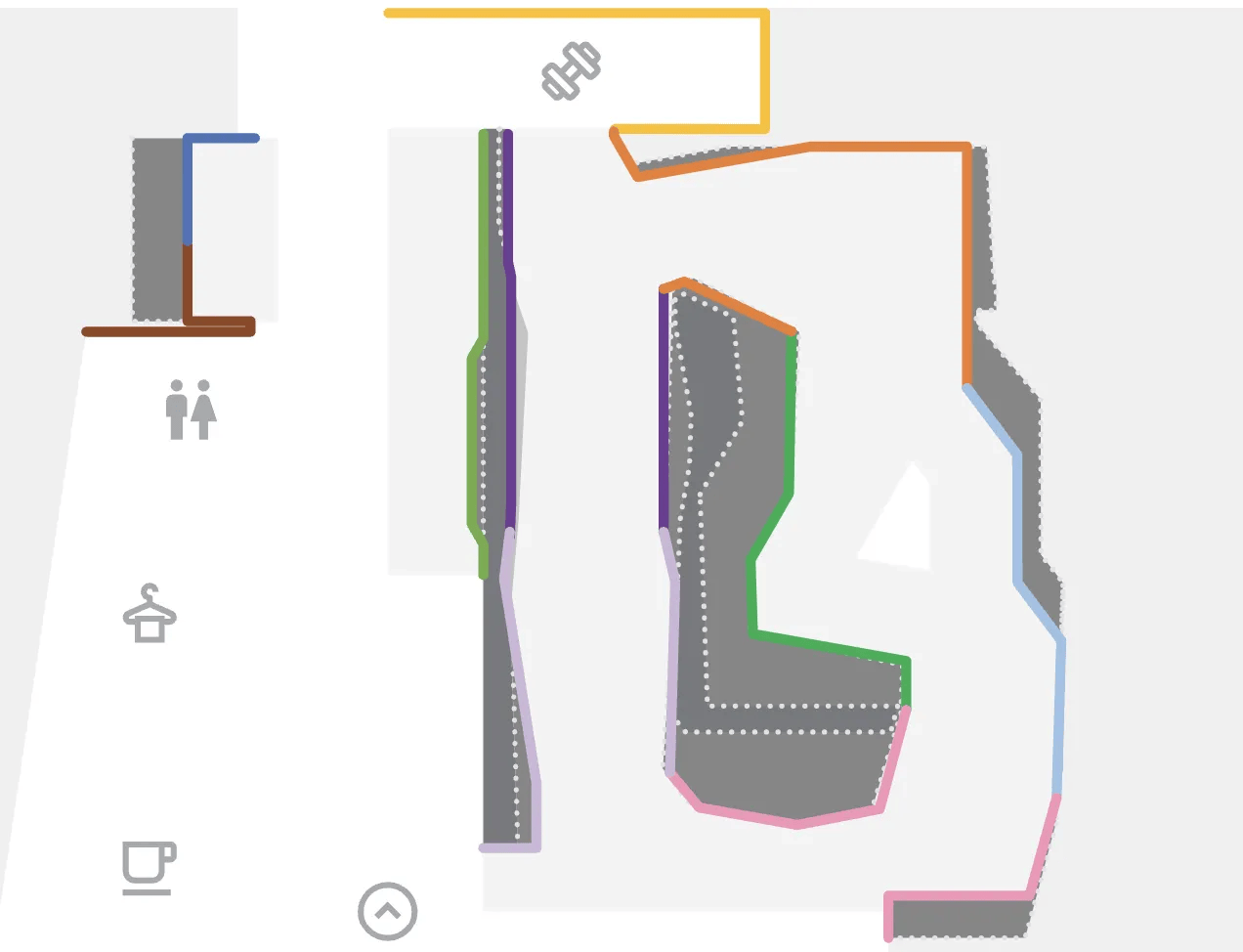
The BETA team will assist in the creation of your Gym Map. The gym map design in the BETA app is consistent. Designed by our team for optimal legibility and seamless UI integration.
The Gym Map is available for Gyms on the Business Tier and above.
You’ll need to supply two key pieces of information, to ensure accurate rendering and easy way‑finding.
You must provide both of the below requirements for the team to create your gym map:
We accept a 3D model or a flat plan view of your climbing walls.
3D model (formats: .3ds, .dwg, .skp), ideal for capturing overhang shadows and depth
2D drawing showing the top and bottom outlines of each wall. This will work if you don’t have a 3D file.
Identify your gym’s non-climbing elements and amenities on your 3D model or 2D drawing.
For example:
café
changing rooms
main entrance
fire exits
The BETA team will add icons to identify these elements.
Define and organise each climbing area or circuit directly in your BETA dashboard.
View this full guide,
Add an area/circuit to your gym
Learn how to add areas and circuits to your gym for better route filtering and visibility in the climbers' app. This guide covers naming, color customization, and editing instructions.
A 3D model lets our designers accurately capture overhangs and shadows. The dotted “base line” improves wall‑foot visibility. A detailed 2D drawing also works, but is not ideal.
You can tweak zone colours or facility icons, just send us the new HEX codes. Report any misaligned outlines, missing shadows/overhang details or unclear base lines, and we’ll refine the render for accuracy and legibility.
If you need total control over typography, icons, layout and colours, consider our White‑Label App - available on the Custom Tier, for full creative freedom beyond the default BETA styling. Speak to the BETA team.
Note: the minimal colors, color contrast, and limited number of labels make the map clear and easy to read.

Still Lost? We’ve got you covered!
Use the search box on the main Help to search the entire list of available help guides, or drop your question in the Support Chat!
