In BETA, family members include a family admin and dependents.
Admins are auto-assigned when forms are signed together. The Family Manager enables you to link and unlink family members directly from the edit profile page. From here, you can also control which profile is set as the Family Admin.
The Family Admin is the primary member of a family account who has administrative privileges. Family admins are auto-assigned by who the adult or supervisor details when signing the form.
Family Members can be conveniently accessed from the Family Members drop-down in a visitor’s profile. It is a useful feature that allows you to quickly jump between profiles to check them in, or check the details of their passes, visits, events and transactions.

Accidents happen and visitor details may sometimes be input incorrectly. Visitor family member details are easily editable via the edit profile button, allowing you to re-assign family admins.
Duplicate profiles for the same person? Merge profiles instead; see how in the help article linked below,
Creating, Merging and Deleting Profiles
This help article covers how to create, merge and delete visitor profiles in BETA.
Edit the email of the child/family member from the profile, by clicking Edit Profile
Do not wish to edit the email? Family Admin profile’s can access the passes of the whole family members from the BETA app too - see how here Access family member passes from the BETA app
Yes, visitor profiles can share an email. BETA will automatically link these profiles together. This ensures that only one email has access to a profile.
Looking to Manually create a new visitor profile
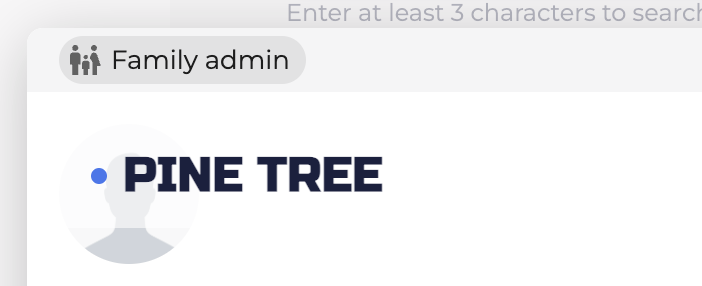
You will know if a visitor is a family admin because the family admin tag will appear on the top left-hand side of the visitor’s profile.

Still Lost? We’ve got you covered!
Use the search box on the main Help to search the entire list of available help guides, or drop your question in the Support Chat!
