Mailchimp is a marketing automation and email marketing platform, providing you with powerful tools to engage with your customers. The Mailchimp integration is available to BETA users on Community tier or higher. To use the integration you also need a Mailchimp account.

Navigate to your gym’s admin page.  Open the integrations tab.
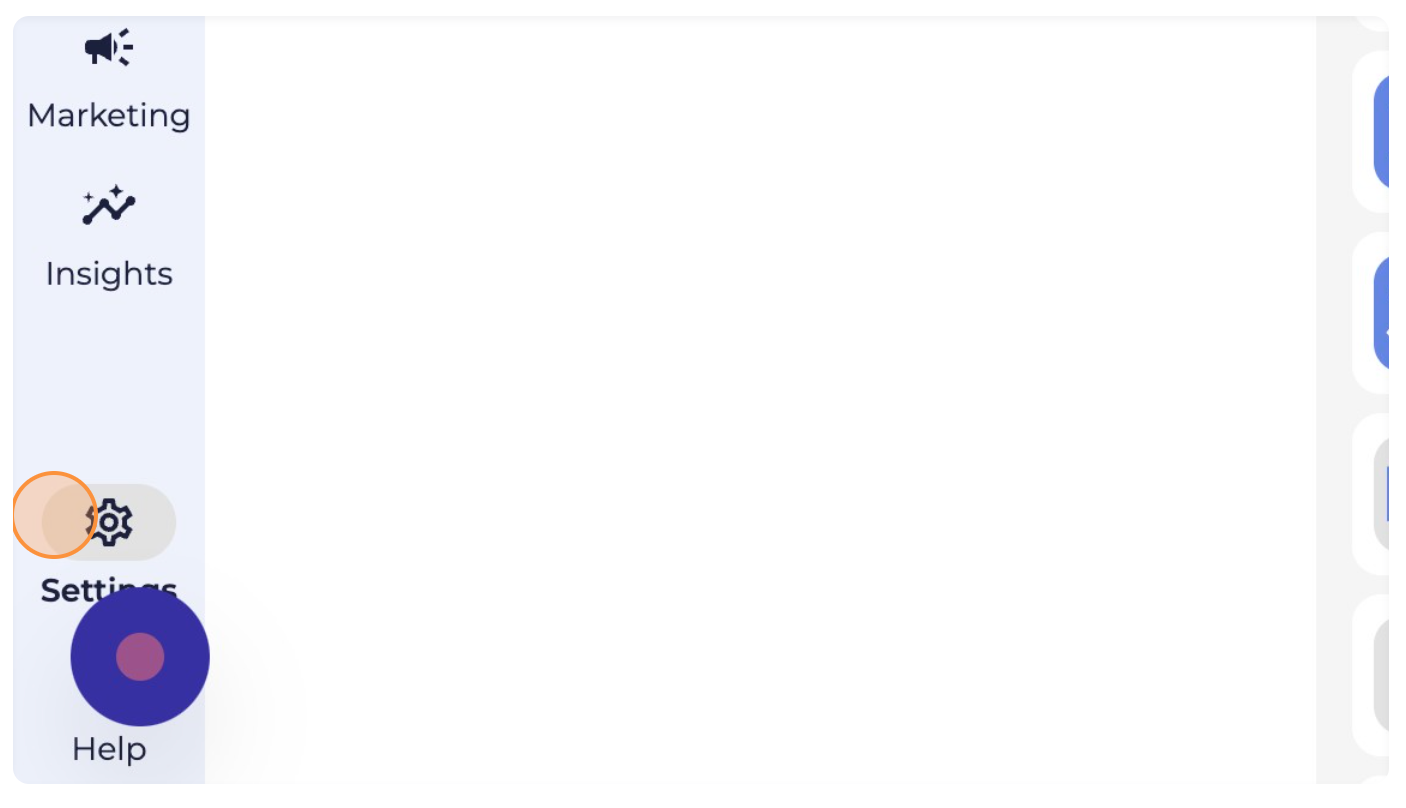
Open the integrations tab.
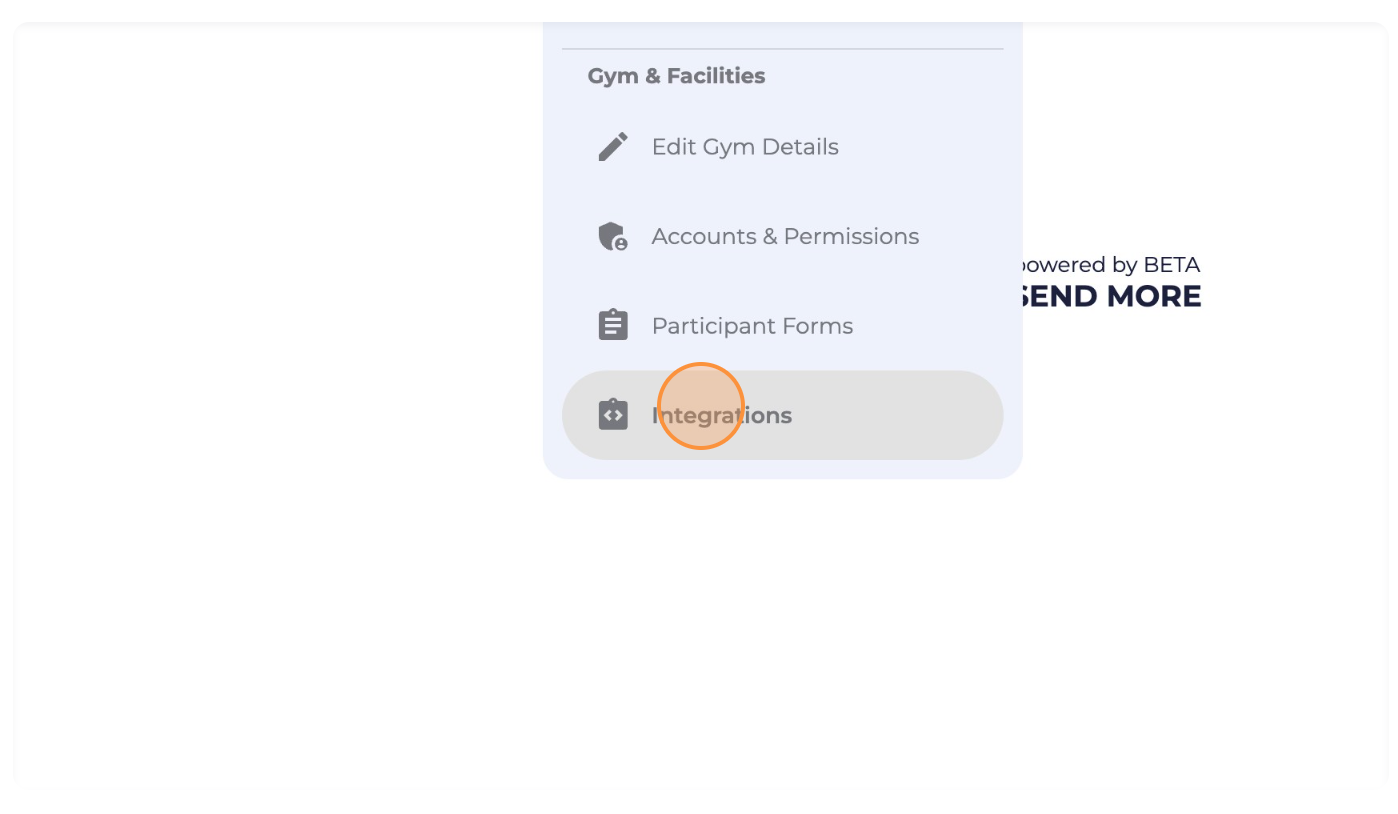
Choose “Add an integration”, and find the mailchimp in the dropdown.
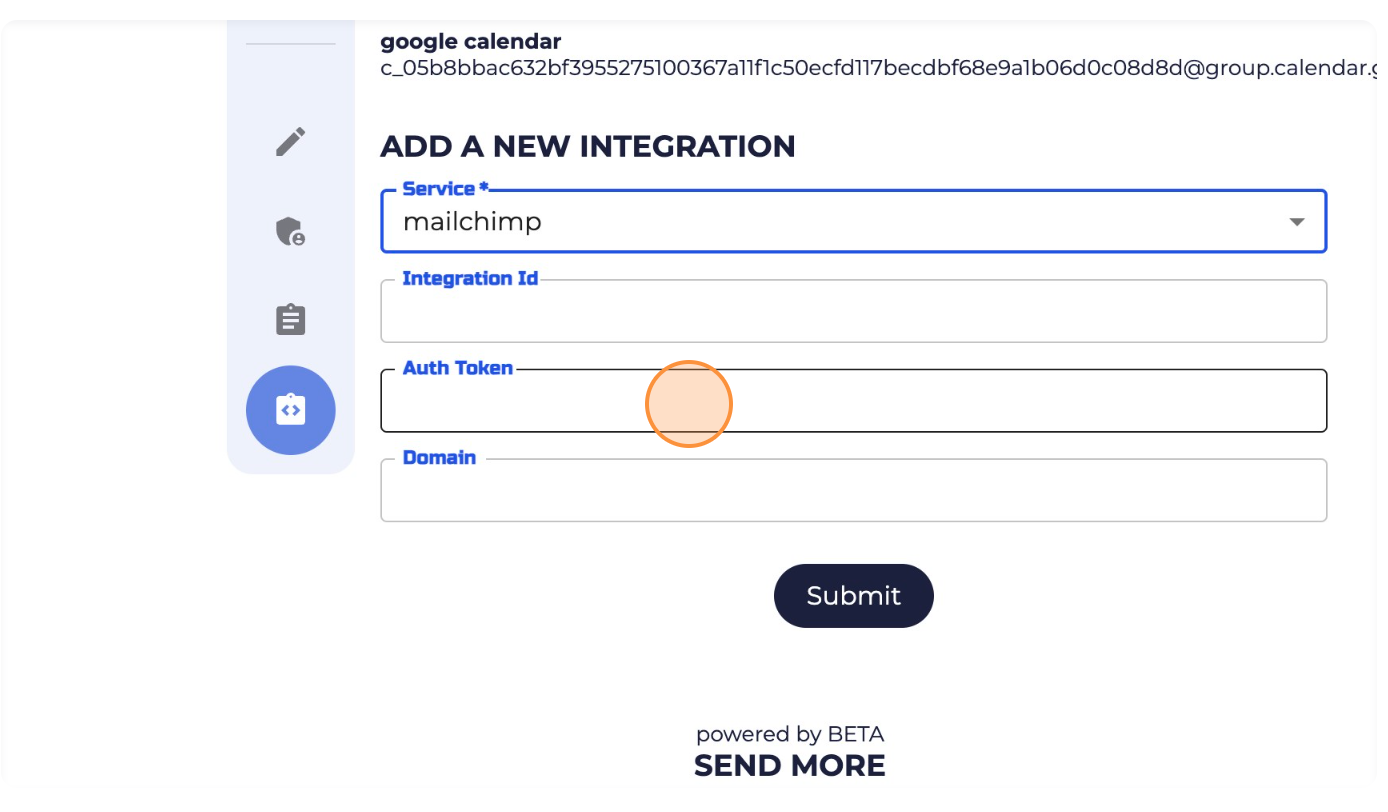
Log into your Mailchimp Account, and follow these three sections below to get the relevant infomation
Finding your Integration ID (from mailchimp)
From your Mailchimp account, locate your audience ID for the audience you would like to integrate. You can only choose one audience to integrate with BETA.
We suggest choosing your default audience.
You can follow this guide for help locating your audience ID.
Enter this value in the Integration ID field in the BETA Integration form.
Generating your Auth. Token API Key (from mailchimp)
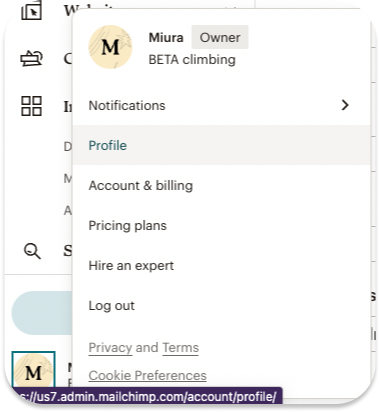
STEP 1: At the bottom left of your Mailchimp account, click on your profile picture to open the menu and select Profile.
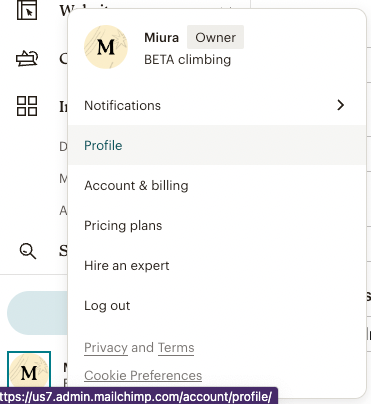
STEP 2: Select Extras and then API Keys.
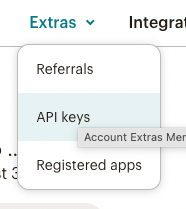
STEP 3: Click Create New Key and enter a name for the key, for example “BETA”.
STEP 4: Copy the API Key value and paste it into the field “Auth Token” in the BETA Integration form.
Finding your Mailchimp domain (from mailchimp)
When complete, your form should look something like this":
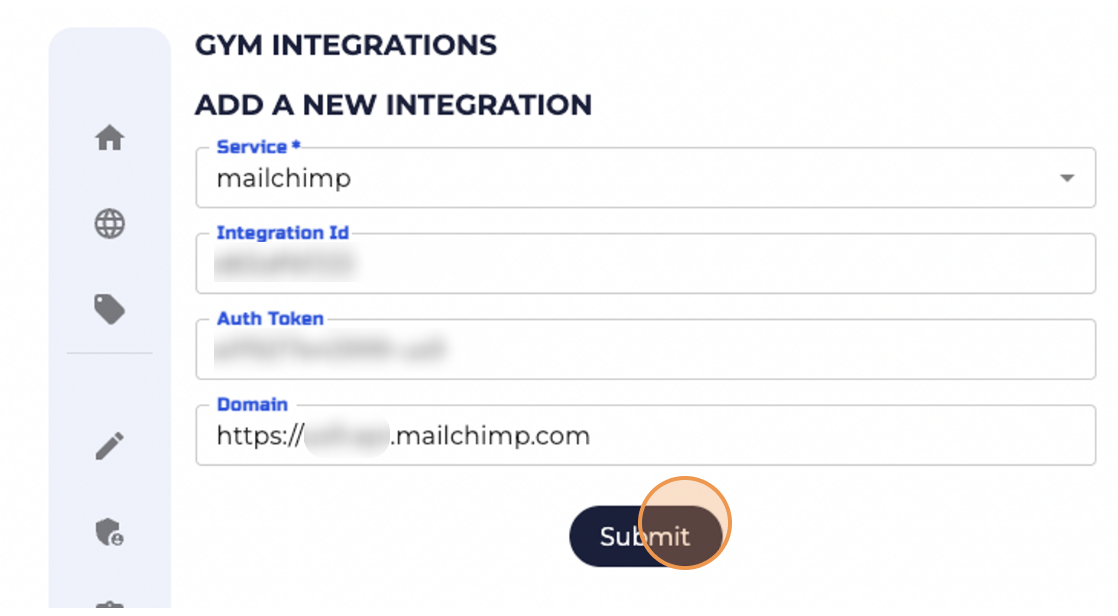
Press submit 
The MailChimp integration works by asking visitors to sign up to your MailChimp newsletter anytime a form is filled in and signed by a participant. When a participant ticks the checkbox to sign up to your newsletter, they will be automatically added as a contact to your MailChimp account.
You can create a mailchimp segment, or import all your contacts to mailchimp.
Import BETA profiles, as Mailchimp contacts
How to import Mailchimp contacts with Double Opt-In.
When setting up your Mailchimp integration, a pop-up window will appear prompting you to fill in three fields:
Integration ID
Auth Token
Domain
To obtain these, you will need to log into your Mailchimp account and copy and paste each information into the BETA integration form.
From your Mailchimp account, locate your audience ID for the audience you would like to integrate. You can only choose one audience to integrate with BETA.
We suggest choosing your default audience.
You can follow this guide for help locating your audience ID.
Enter this value in the Integration ID field in the BETA Integration form.
From your Mailchimp account, locate your audience ID for the audience you would like to integrate. You can only choose one audience to integrate with BETA. We suggest choosing your default audience. Learn how to locate your audience ID here.
Paste this value in the Integration ID field in the BETA Integration form.
At the bottom left of your Mailchimp account, click on your profile picture to open the menu and select Profile.
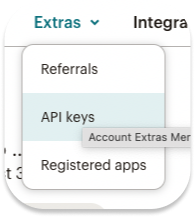
Click the Extras tab, and then API Keys
Click Create New Key and enter a name for the key, for example “BETA”.
Paste this value in the Auth Token field in the BETA Integration form.
Go to your Mailchimp account and copy the portion of the browser URLthat starts just after the "https://" and ends just before ".admin.mailchimp.com". For eg. https://us7.api.mailchimp.com
Paste this into the field Domain in the BETA Integration form.
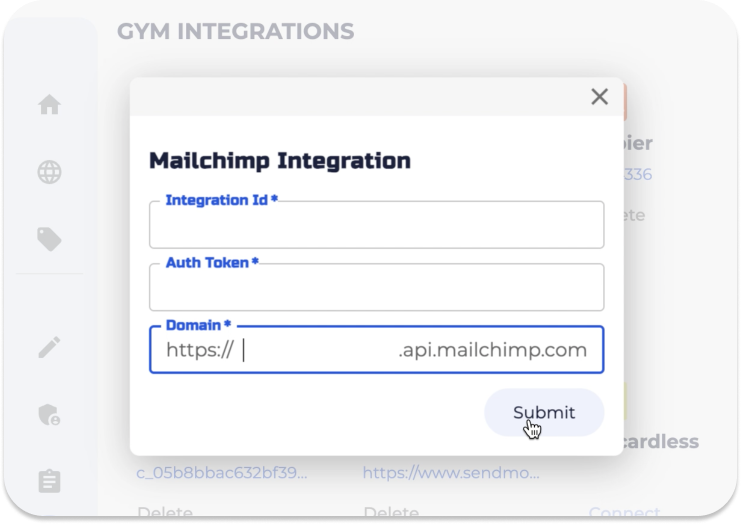
Click submit
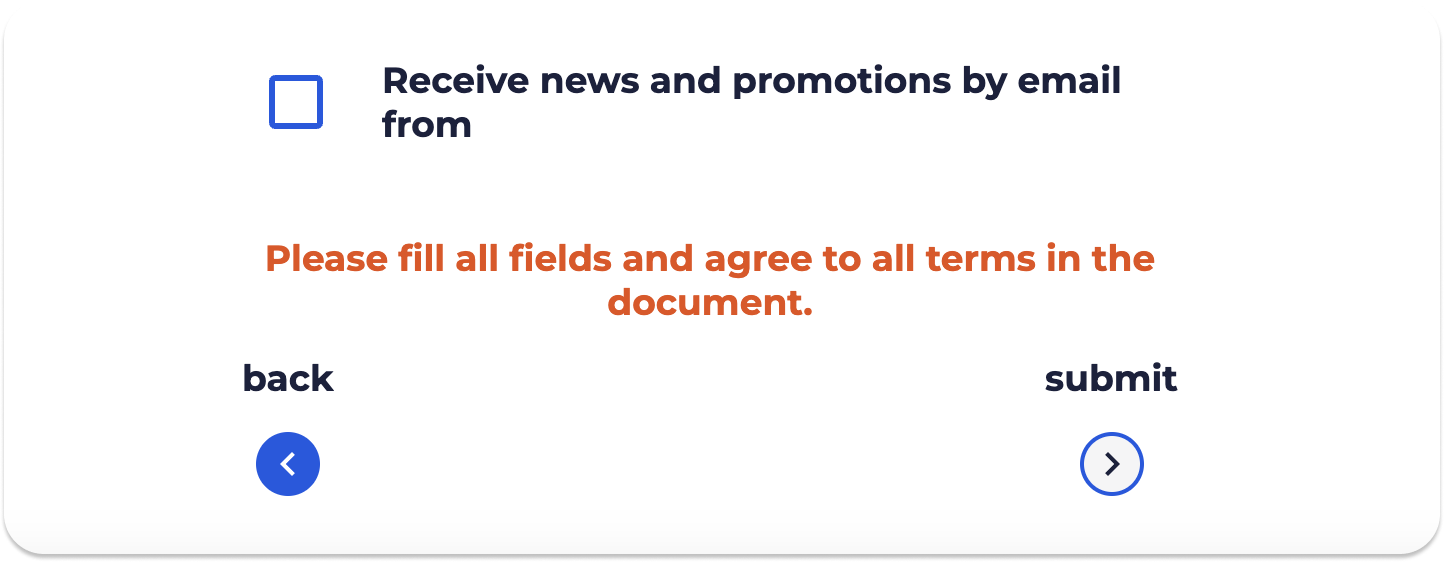
The form prompt for Mailchimp sign up will now show up in any signed BETA form . It will look like the example below.
No, Mailchimp is a web-based application that operates within web browsers. This means you can access Mailchimp from any device without the need to download or install software
Upon integrating Mailchimp with BETA, participants will encounter a checkbox at the end of the participant form, prompting them to sign up for your Mailchimp newsletter. If a participant selects this option, it will automatically add them to your Mailchimp account.
Integrating Mailchimp with BETA has several advantages. By encouraging visitors to sign up for your Mailchimp newsletter through form submissions, you can expand your subscriber base. The integration streamlines communication and marketing efforts, allowing you to reach climbers more effectively. Additionally, BETA's profile filters enable tailored Mailchimp segments, ensuring that your messages are targeted and relevant to specific climbers, enhancing the overall effectiveness of your communication strategy.
