This page provides essential information on hardware specifications to optimize BETA's performance.
You'll find both specific hardware requirements, which ensure compatibility, as well as general recommendations for hardware that supports smooth operation.
Be sure to carefully review each section to select suitable hardware that meets both BETA’s needs and your gym's setup preferences.
To ensure seamless functionality with BETA, certain hardware specifications are essential.
We highly recommend using the precise models listed for the best performance and support. Carefully review each hardware requirement to avoid compatibility issues, as these specifications ensure BETA runs smoothly across all features.


Receipts can be sent to customers from the Sales Page, see how in the guide below
Receipt Types, Print and Send Receipts
How to send and save transaction receipts via email or print them directly, including options for thermal receipts and PDF customization.

Turnstiles are used to control physical access to the climbing facility.
BETA manages the software and access logic, it does not supply the physical turnstile hardware. BETA provides a controller unit configured with custom software that interfaces with standard turnstile systems.
This controller handles access validation and communicates with BETA’s access control system via GPIO (General Purpose Input/Output), ensuring secure and automated entry based on waiver status, membership, or other custom rules set within the BETA platform.
Like any modern business, your gym depends on a reliable internet connection, both to support BETA (we’re cloud-based!) AND to process transactions through your payment provider. Your first priority should be to mitigate basic internet outages.
Implement these high-level operations to minimize lag and keep transactions flowing:
Primary Connection:
Use a dedicated, business-grade ISP circuit separate from guest Wi-Fi.
Automatic Failover:
Deploy a dual-WAN router alongside a 4G/5G hotspot so your network switches instantly to backup if the primary link fails.
Additionally, consider having a 4/5G mobile device capable of creating a Wi-Fi hotspot as a fallback option for processing payments and accessing BETA during potential internet outages. BETA’s low data usage makes this an effective solution, but the best setup depends on your specific needs.
Power Continuity:
Protect your modem, router, and switches with a UPS and consider a commercial-grade battery system for prolonged power loss.
Transaction Safeguards:
Enable offline caching on your card terminals and pre-load essential member data onto tablets to queue sales locally during outages.
Monitoring & Drills:
Implement automated link-down alerts, run quarterly failover tests, and keep a concise runbook detailing router resets, hotspot activation, and ISP escalation steps.
These recommendations include brands and products that are compatible with BETA, though alternatives meeting the specifications will also work. Please check all requirements for compatibility with BETA and feel free to select similar compatible options based on your budget and availability.
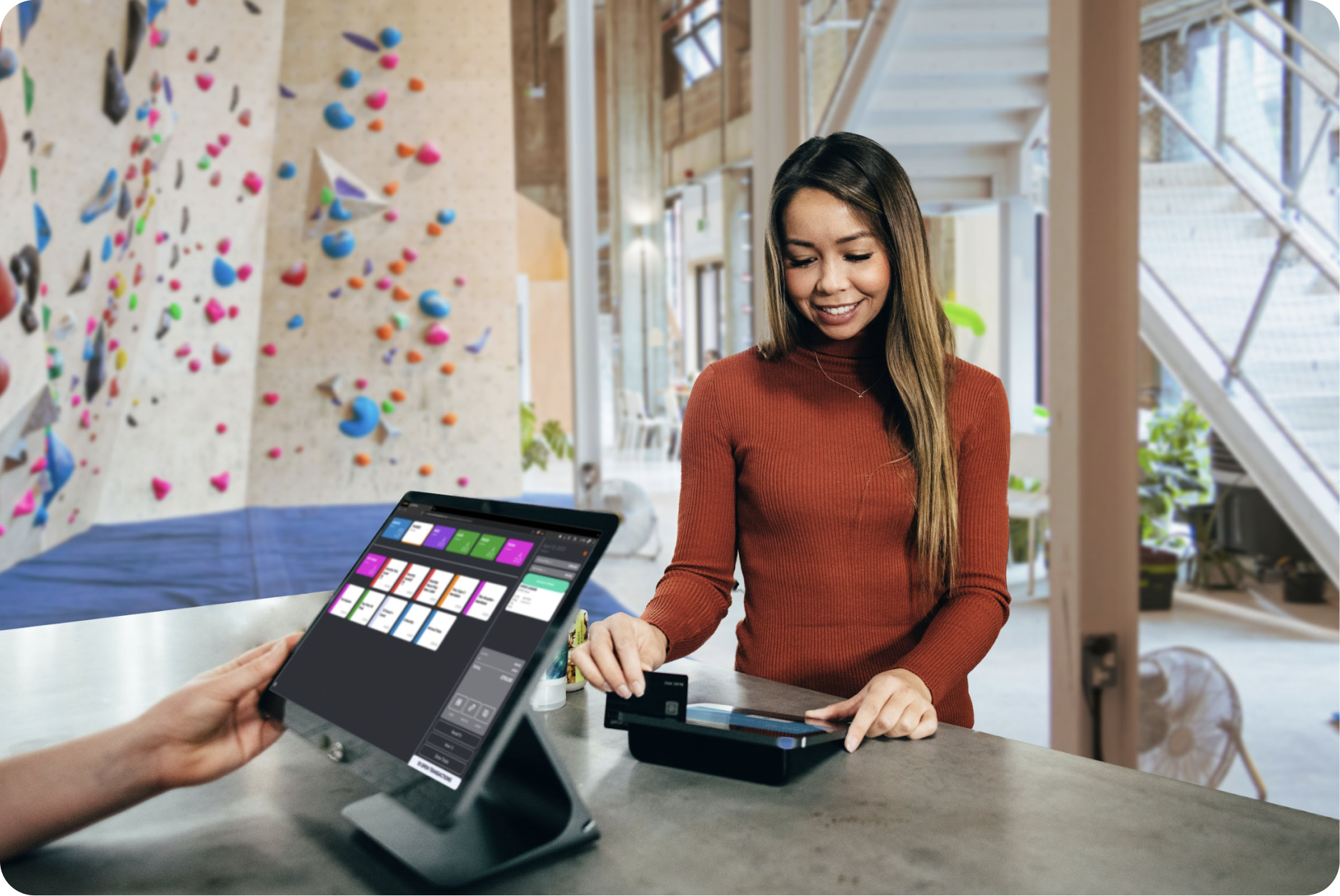
BETA is a web-based software, so it can run on any device with an internet connection. While it’s versatile, a larger screen offers a more comfortable experience for you and your staff. For on-the-go use or navigating the gym floor, we recommend using a medium-sized tablet.
Mobile devices might feel a bit cramped, so an approx. 11inch tablet strikes a good balance between portability and usability.
At the climber check-in you require a 2D Keyboard-emulating barcode USB reader, as QR codes are generated for climber checkin. We recommend* the Honeywell Orbit HF680 2D or Honeywell Orbit 7190g Hybrid Presentation Scanner.
Any 1D Keyboard-emulating barcode USB reader will work. We recommend* the Honeywell Voyager XP 1470g General Duty Scanner, as it will allow you to scan both 1D/2D barcordes.
Any USB 720p webcam will work - such as the Logitech* C270 HD WEBCAM
For processing payments, you can choose from our integrated payment providers that accept terminal payments.
BETA's Integrated Payment Providers
Here you can find a list of all payment providers currently integrating with BETA.
*Note - BETA is not affiliated with any of these brands.
Contact the BETA team directly with any questions or concerns.

Still Lost? We’ve got you covered!
Use the search box on the main Help to search the entire list of available help guides, or drop your question in the Support Chat!
